Concept
An Elden Ring mod which removes any selected enemies / NPCs. The original mod worked by replacing the files for a given entity using ModEngine2. While the original mod works perfectly, it requires the user to find the ID of the entity they wish to replace and then rename the files to that ID. This adds a bit of friction to the experience. This mod tries to alleviate this by providing a visual system to pick the entities and then get their replacements with the click of a button.
There is both a web version, along with a desktop version for the mod. I initially made the desktop version as most of the mods on the distribution platform were downloads and I didn’t want to break the pattern. I didn’t want people to have to run some randomly-downloaded EXE on their machine, and I also wanted to support different platforms if possible. As a result, I wrote a Python script as simply as possible so people (or an LLM) could confirm its safety. I included a batch file to automatically handle the virtual environment and dependency setup as well to streamline the process. To make the system even simpler, I later on made a webpage so that the installation would be limited to the necessary ModEngine2 and nothing more, bypassing people who just wanted to replace some enemies having to deal with Python.
Screenshots
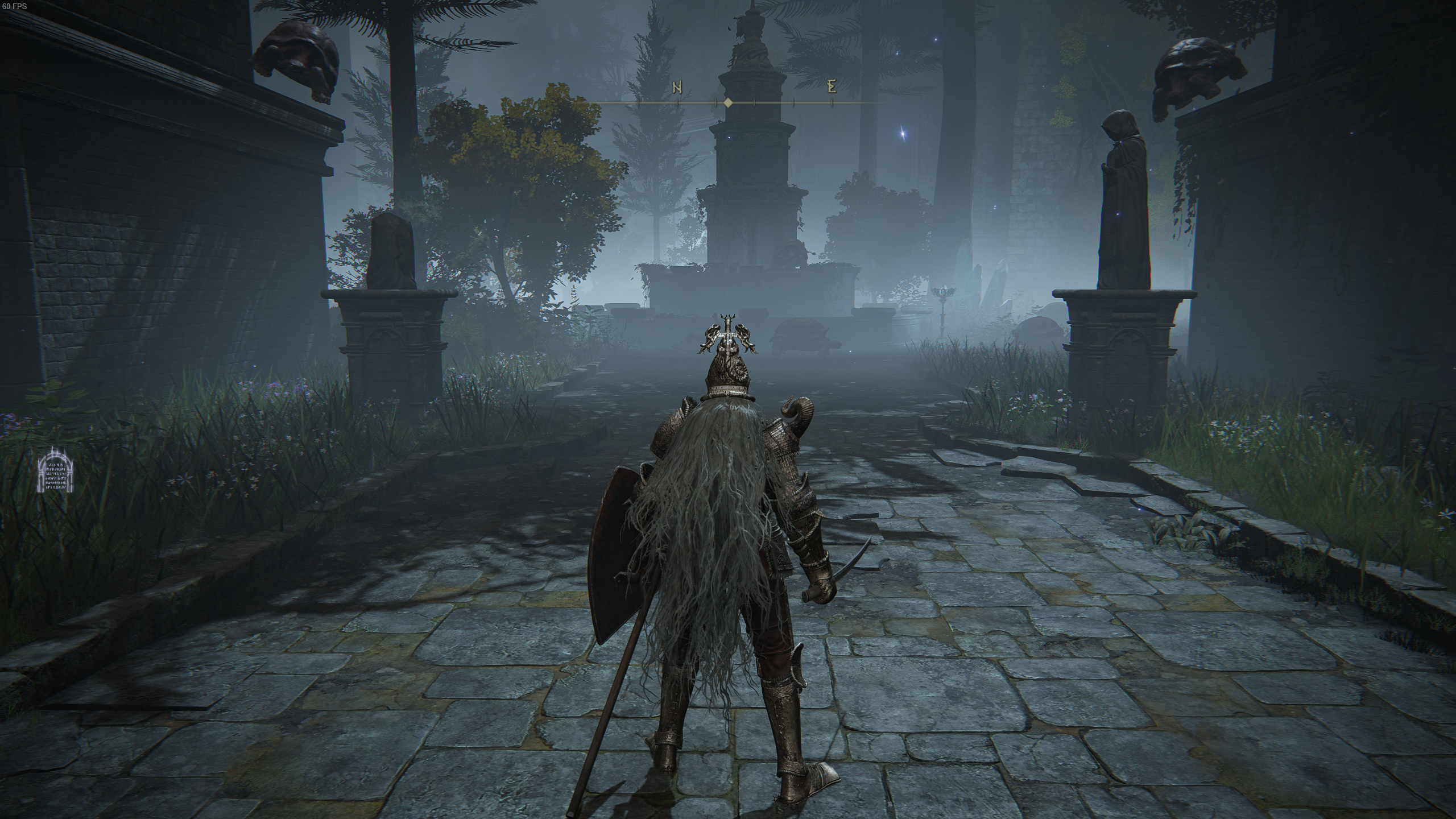
Here is an example of the Fingercreepers being removed in Caria Manor. I’m not including a before-replacement image to avoid bothering any arachnophobes that come across this page. Now there are just harmless turtles chilling out instead of severed hand abominations.
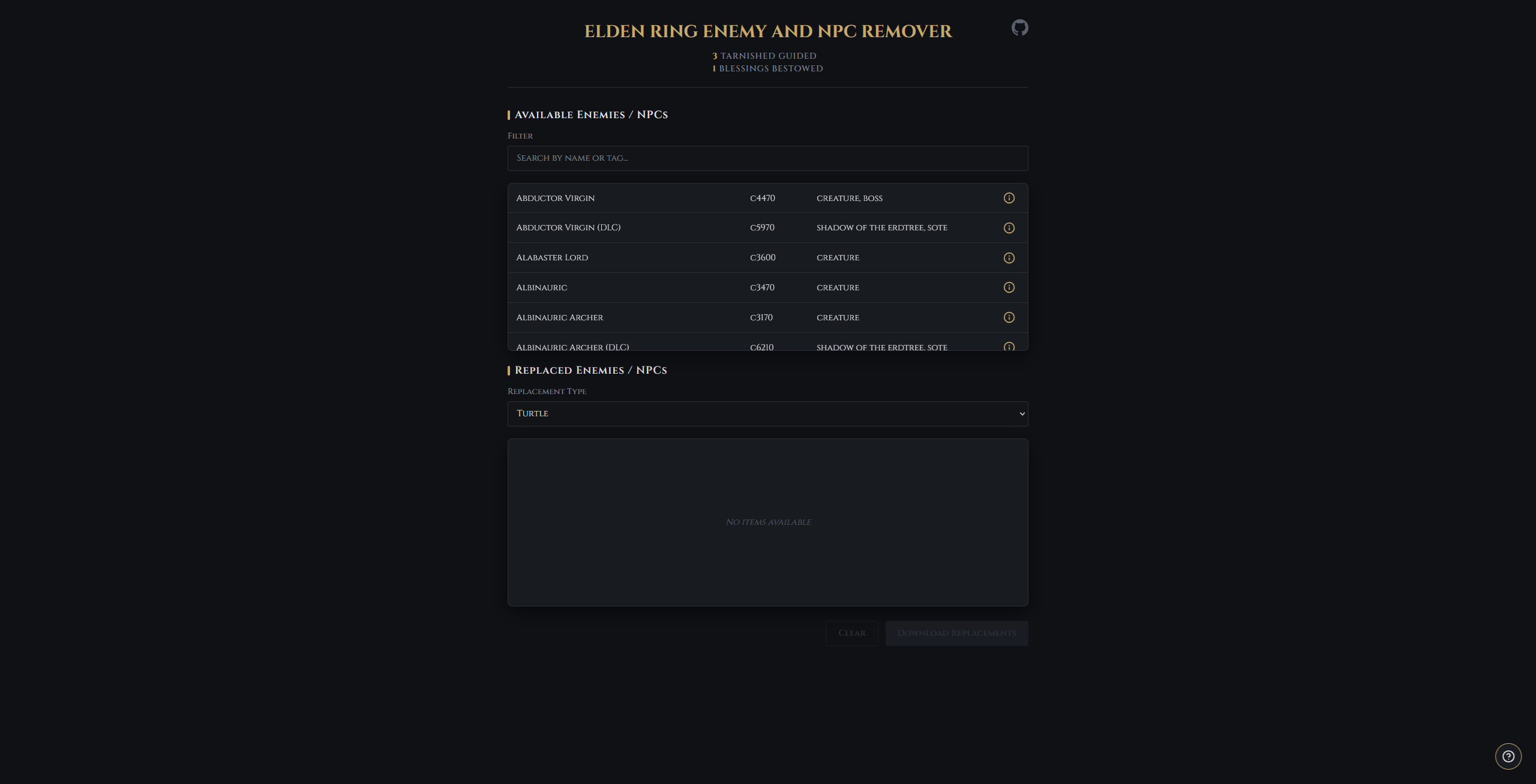
The webpage was style to be Elden Ring inspired as much as possible. Just because you want to quickly download a mod doesn’t mean it can’t be fun.
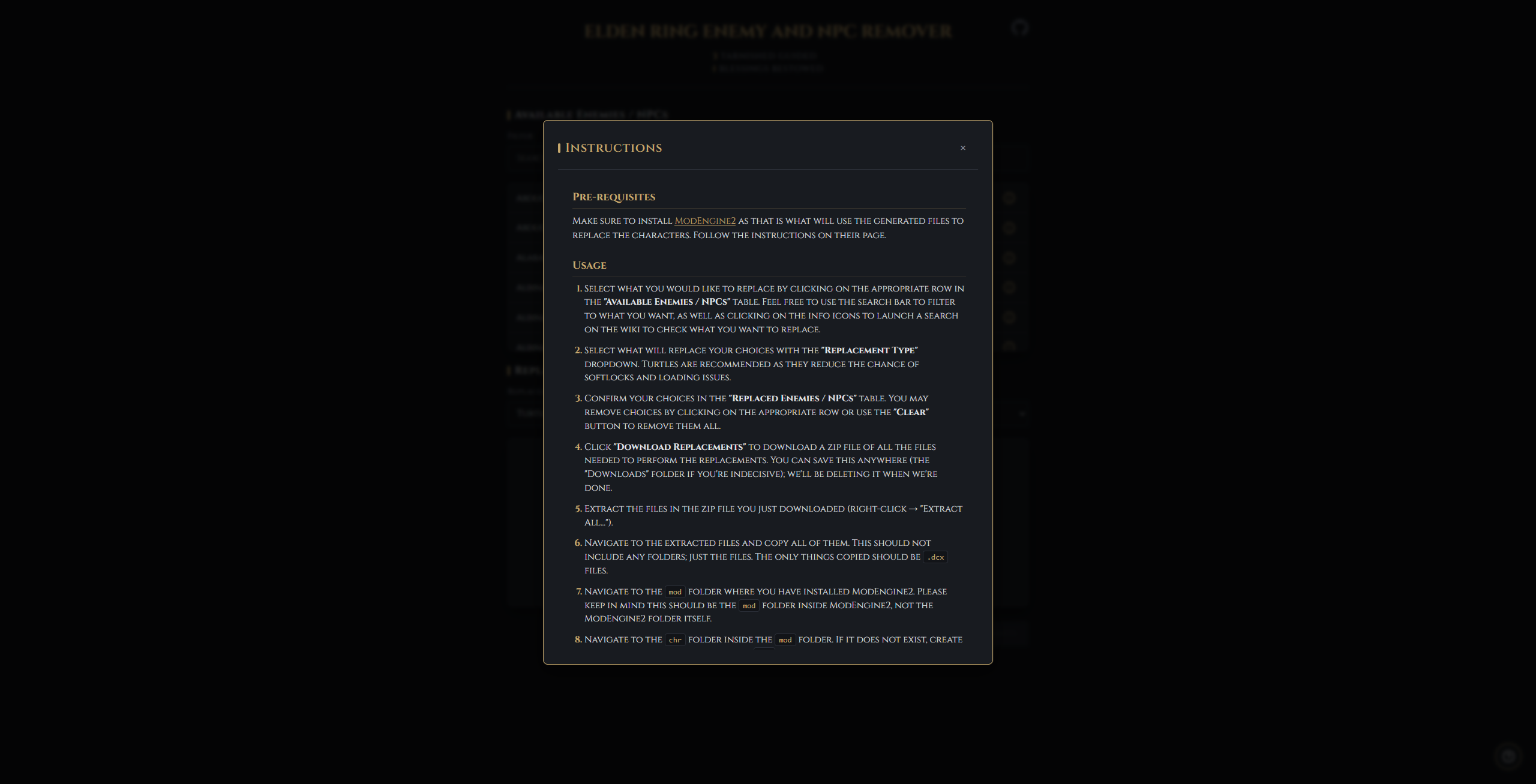
I even included a window with (likely overly detailed) steps on how to use the mod so they wouldn’t have to go looking.
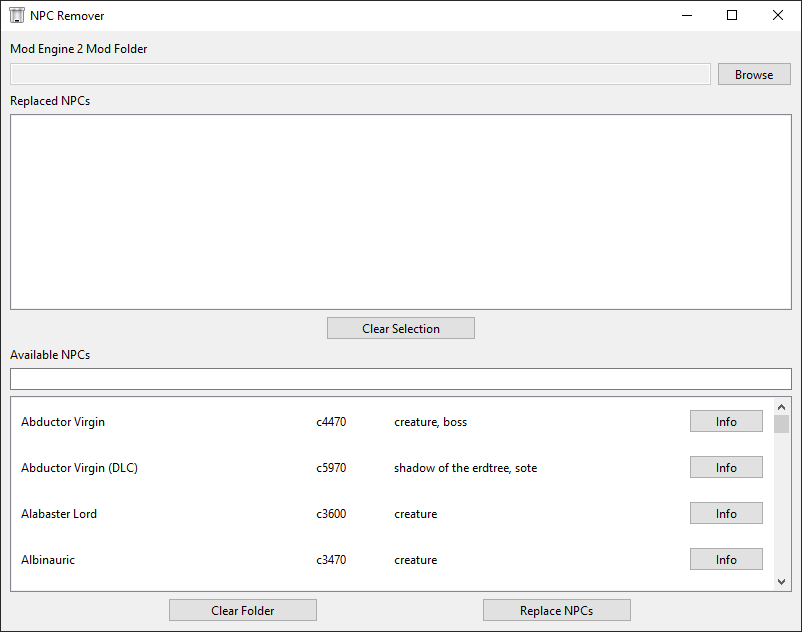
Alternatively, if someone were to choose the Python route, window looks like this. Just set up the mod folder at the top on first run, and then use the search box to look up whatever you want replaced and go for it. Not as flashy as the web version; just enough to get the job done.